Lists organize
Keep related plans together in personal lists and Boards
A personal iOS project
Plenact is a planning app I build in my spare time: a calm place to gather ideas, shape a day, and make the next action easier to see
Built thoughtfully, one useful detail at a time

The idea behind Plenact
The app connects quick notes, personal lists, and a weekly view without turning them into separate copies of the same work. Each part has a clear job, so a plan can stay useful without becoming another project to manage
A simple model
Each level has a distinct purpose, from the big picture to the next small step
Keep related plans together in personal lists and Boards
Give a plan enough detail to make sense, with room for notes and attachments
Break an activity into manageable steps while keeping it part of its Card
Lists organize · Cards describe activities · Checklist items express actions
Designed for personal use
The featured planning experience stores its Boards on the device. The Week Board and personal collections are separate local stores; there are no production accounts or synchronization in this showcase
This site is a static preview. It does not connect to the shared demo service, collect analytics, or upload app content. The illustrated overview uses fictional example content; the app demo is the owner's local development recording
Inside the app · 3 min 33 sec
A real screen recording of the prototype, from capturing an idea to organizing the week and returning to saved work
Recorded during development · Some screens differ from the latest build, including the Library Saved shortcut
Profiles and member names are local labels, not online accounts or shared collaboration · Card dates and the Calendar browser are not external calendar sync
Open the full recordingThe planning idea · A two-minute overview
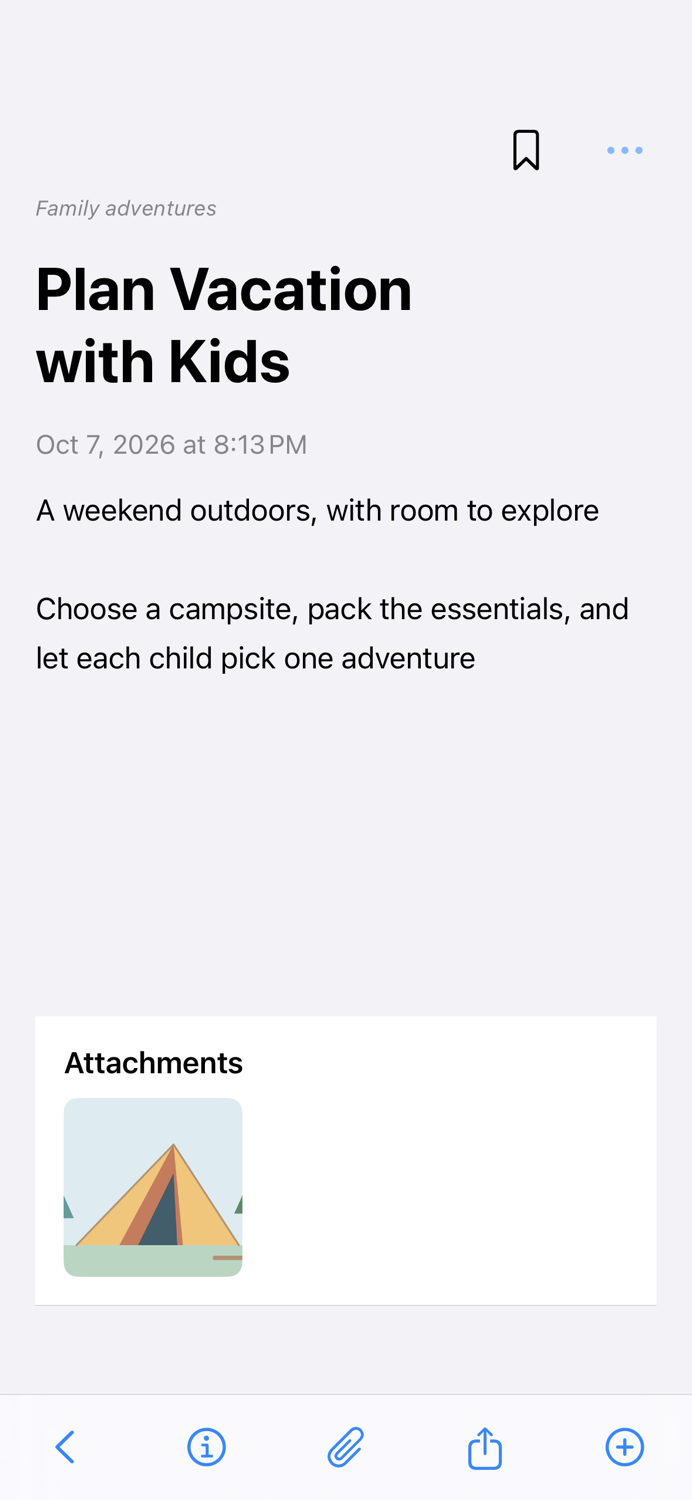
Follow a family camping idea from a note to a clear plan with manageable actions. The tour combines app screenshots and explanatory illustrations using fictional example content, not a live account or a connection to online data
A two-minute silent tour with app screenshots and explanatory illustrations · Fictional example content
A project built by doing
Plenact is a personal project in native iOS development. I enjoy working through the full path from a product rule to its data model, screen, accessibility behavior, and regression test
Although the domain is iOS rather than embedded, it exercises engineering habits I value across disciplines: explicit state ownership, stable data contracts, failure-path testing, and predictable behavior
This is an independent work in progress; the showcase does not represent a production service